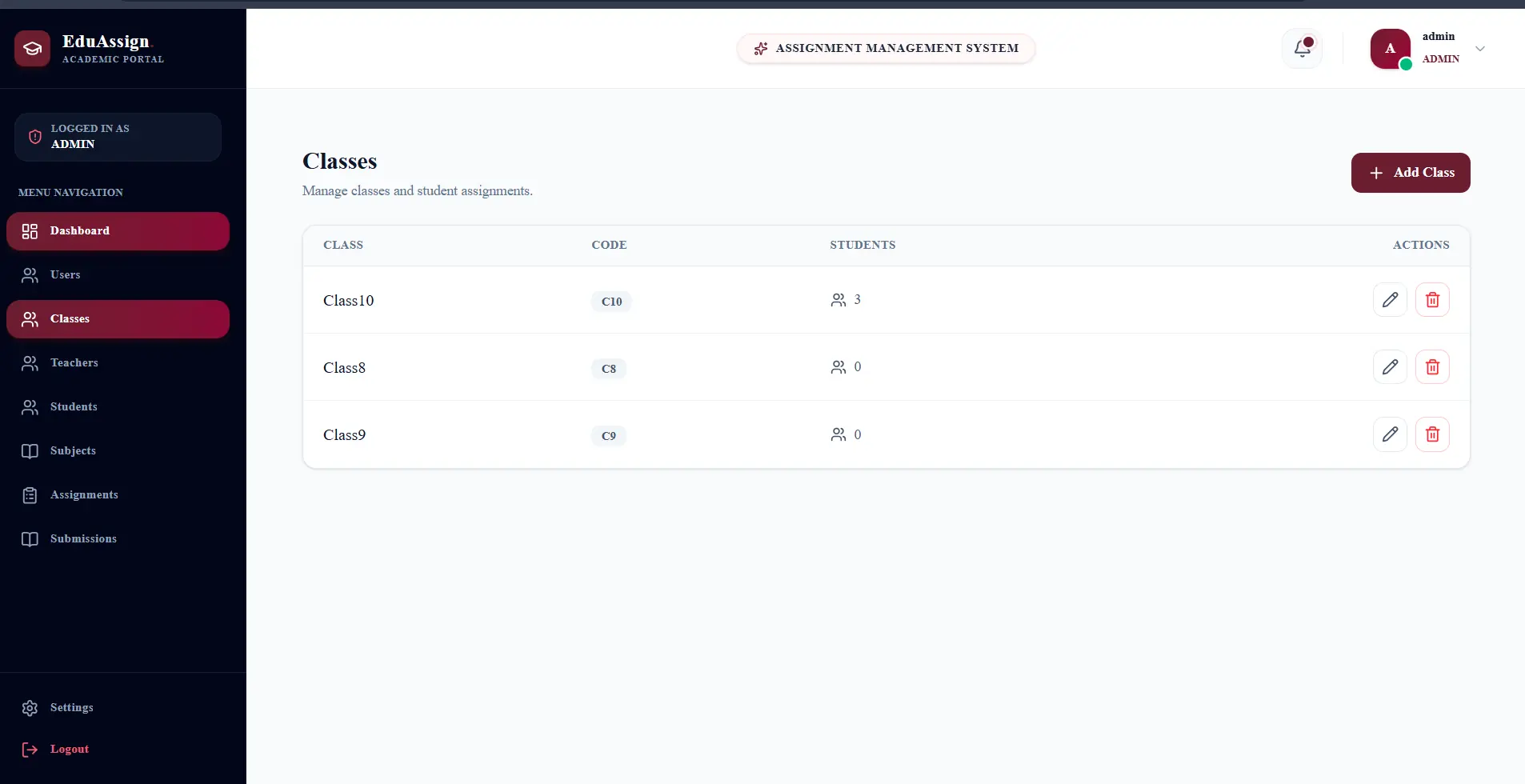
Eduvet - Assignment Management Platform.
Tracing a TypeScript production-build failure to an inconsistent shared component API
The Project.
Eduvet is an assignment management platform designed to help students organize academic tasks, track assignments, and manage their study workflow. During development, the application worked correctly, but the production build failed because a shared StatCard component and its consumers used different prop names.
Full-Stack Software Engineer
2025
What Broke?
The application worked correctly during development, but the production build failed.
TypeScript reported that the 'title' property did not exist on the StatCardProps interface.
The application could not pass the production build and therefore could not be safely deployed.
Why It Mattered.
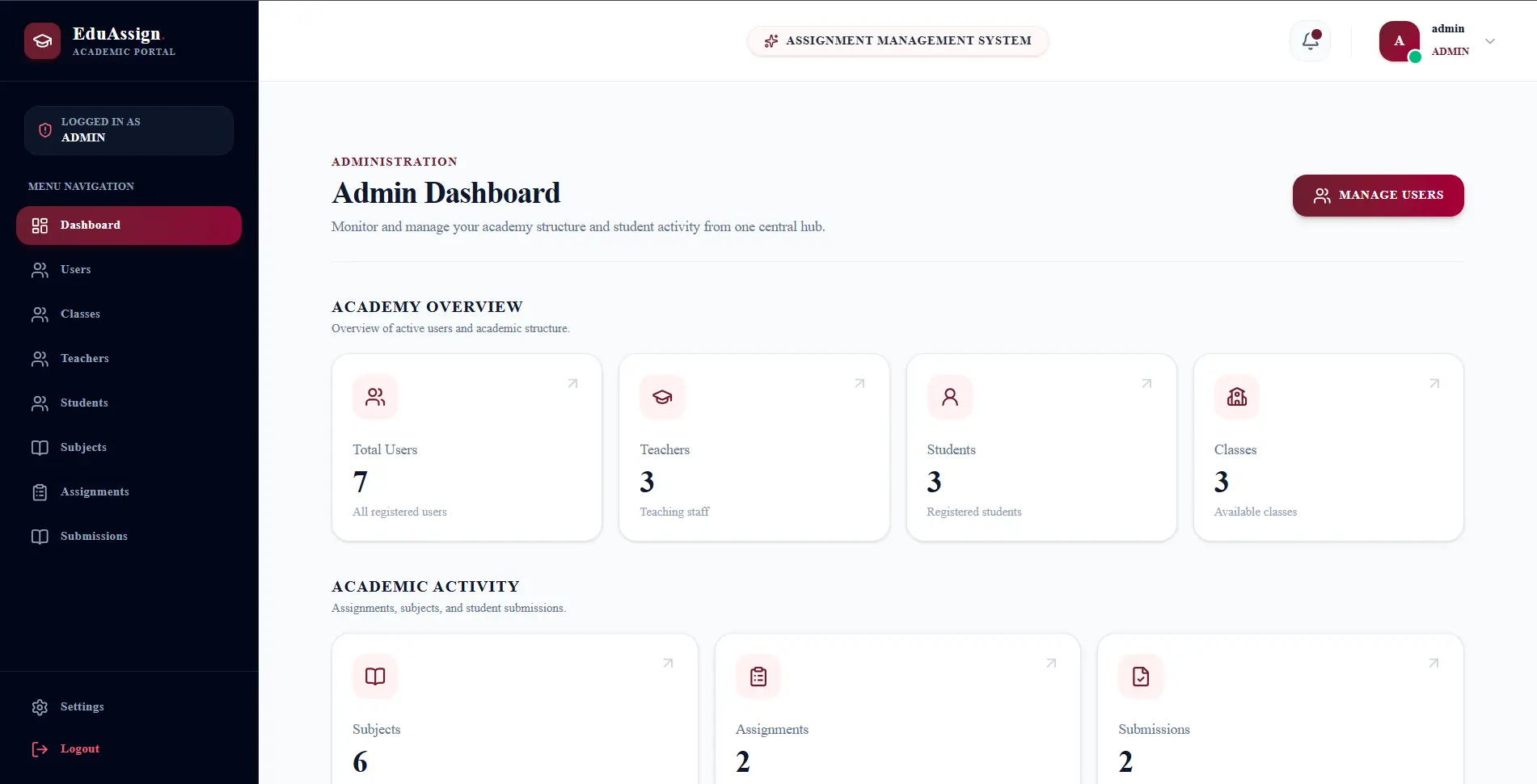
The dashboard used reusable StatCard components to display assignment and academic statistics.
Identify the real source of the production build failure and restore a clean type-safe build without bypassing TypeScript.
- Preserve the reusable component architecture
- Avoid disabling TypeScript checks
- Avoid introducing unnecessary component duplication
- Verify the fix using the complete production build
How I Debugged It.
- 01
Reproduced the failure with the production build command.
- 02
Located the exact TypeScript error and affected component.
- 03
Inspected the StatCardProps interface.
- 04
Inspected StudentDashboard and the props passed to StatCard.
- 05
Searched for all StatCard consumers.
- 06
Compared the expected component contract with actual usage.
- The development environment did not expose the integration problem early enough.
- The shared component expected 'label'.
- The dashboard supplied 'title'.
- The failure occurred at the TypeScript type-checking stage.
- The issue was isolated to an inconsistent component contract.
How I Think.
First, I reproduced the issue using npm run build instead of assuming it was a runtime problem.
I read the TypeScript error and followed the reported file and line number.
I compared the props being passed from StudentDashboard with the StatCard component interface.
I discovered that the dashboard passed 'title', while the shared component expected 'label'.
I recognized this as a component contract mismatch rather than a Next.js or deployment problem.
Instead of disabling TypeScript, I fixed the component API and updated all affected usages.
I searched for other StatCard usages to make sure the contract change would not introduce additional errors.
I ran npm run build again to verify that the production build passed.
Before the Fix.
StatCard received title, value, and icon.
StatCardProps expected label, value, icon, and optional description.
The consumer and shared component had inconsistent prop names.
The Fix.
Standardized the shared StatCard API around the 'label' prop instead of bypassing the type system.
- Updated StatCardProps to define the intended component contract.
- Changed dashboard usages from title to label.
- Kept description optional to avoid unnecessary props.
- Used LucideIcon for type-safe icon props.
- Checked other StatCard usages for consistency.
- Rebuilt the application after the changes.
Engineering Stack.
Frontend
- Next.js
- React
- TypeScript
- Reusable dashboard components
- Typed component props
Infrastructure
- Production build validation
- Static type checking
Code-Level Fix.
Incorrect Consumer Contract
tsx<StatCard
title="Total Assignments"
value={totalAssignments}
icon={FileText}
/>Standardized Consumer Contract
tsx<StatCard
label="Total Assignments"
value={totalAssignments}
icon={FileText}
/>Shared Component Interface
tsxinterface StatCardProps {
label: string;
value: number | string;
icon: LucideIcon;
description?: string;
}What Was Difficult.
Finding the Real Root Cause
The failure initially appeared to be a production or Next.js issue because it occurred during the build process.
I followed the compiler error directly to the component contract instead of changing deployment configuration.
Maintaining Type Safety
A quick workaround could have been to weaken or disable type checking.
I kept TypeScript strictness intact and corrected the API mismatch at its source.
Reusable Component Consistency
Changing a shared component can affect multiple consumers.
I reviewed the component usages and standardized them around one predictable prop contract.
The Outcome.
Production Build Restored
The application successfully passed the production build without the previous TypeScript error.
Type-Safe Component API
The dashboard and shared StatCard component now use the same prop contract.
No TypeScript Bypass
The solution preserved type checking instead of hiding the underlying integration problem.
Prove the Fix.
$ npm run build
Production build completed successfully without the previous TypeScript error.
What I Learned.
Shared components should have clear and consistent contracts.
TypeScript errors during production builds can reveal integration problems that development testing may not expose.
I prefer fixing the root cause rather than bypassing type checking.
Reusable component APIs should be treated as contracts between consumers and implementations.
When modifying a shared component, I check all consumers before considering the task complete.
After a fix, I verify the complete production build instead of assuming the issue is resolved.
“The key lesson was to treat the compiler as a debugging tool. I traced the production error back to a mismatch between a shared component's interface and its consumers, fixed the contract at the source, checked the affected usages, and verified the solution with a production build.”
Project Screens.