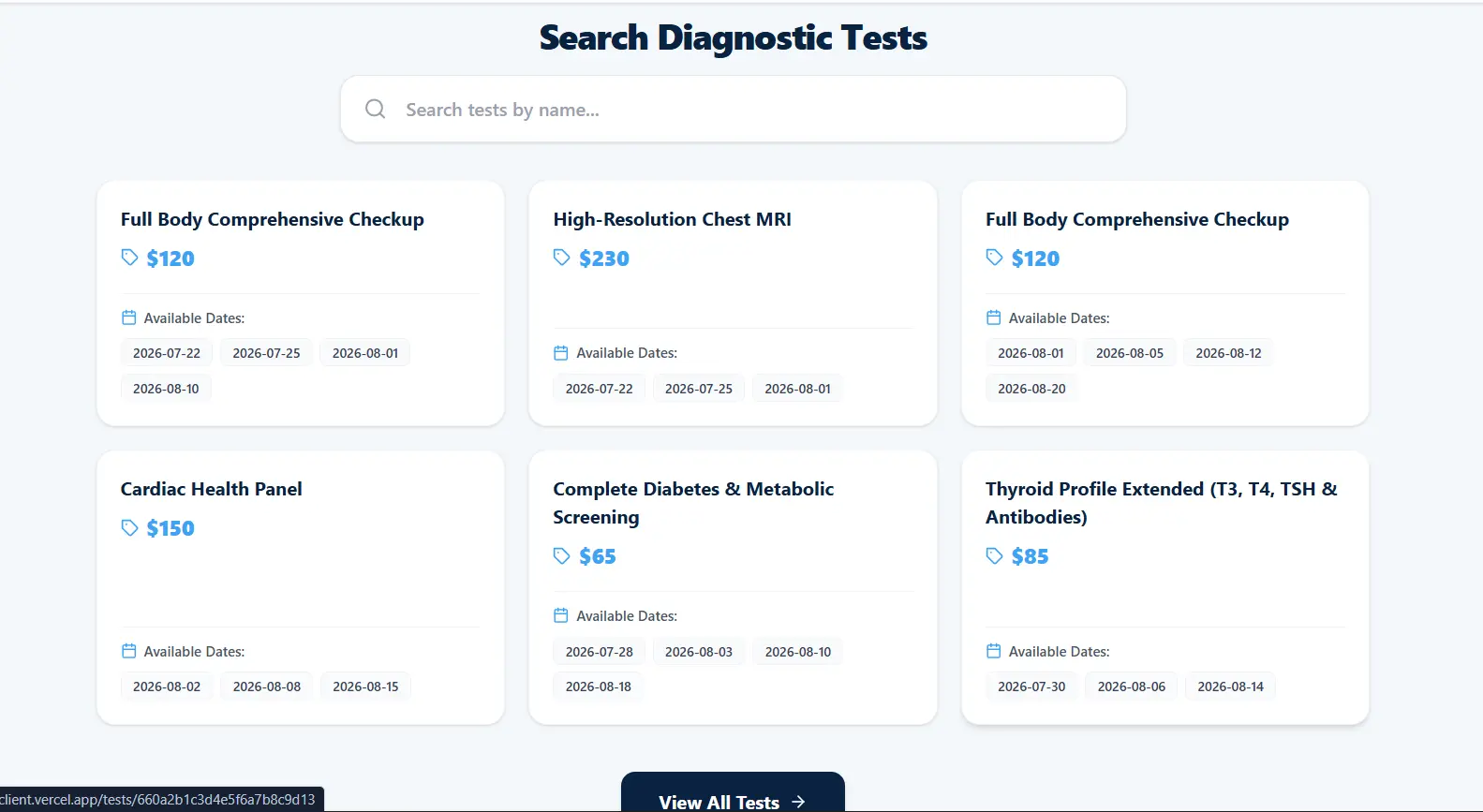
Helix Diagnostic Center - Healthcare Management API.
Diagnosing a Node.js startup crash caused by mixed module systems and MongoDB connection configuration
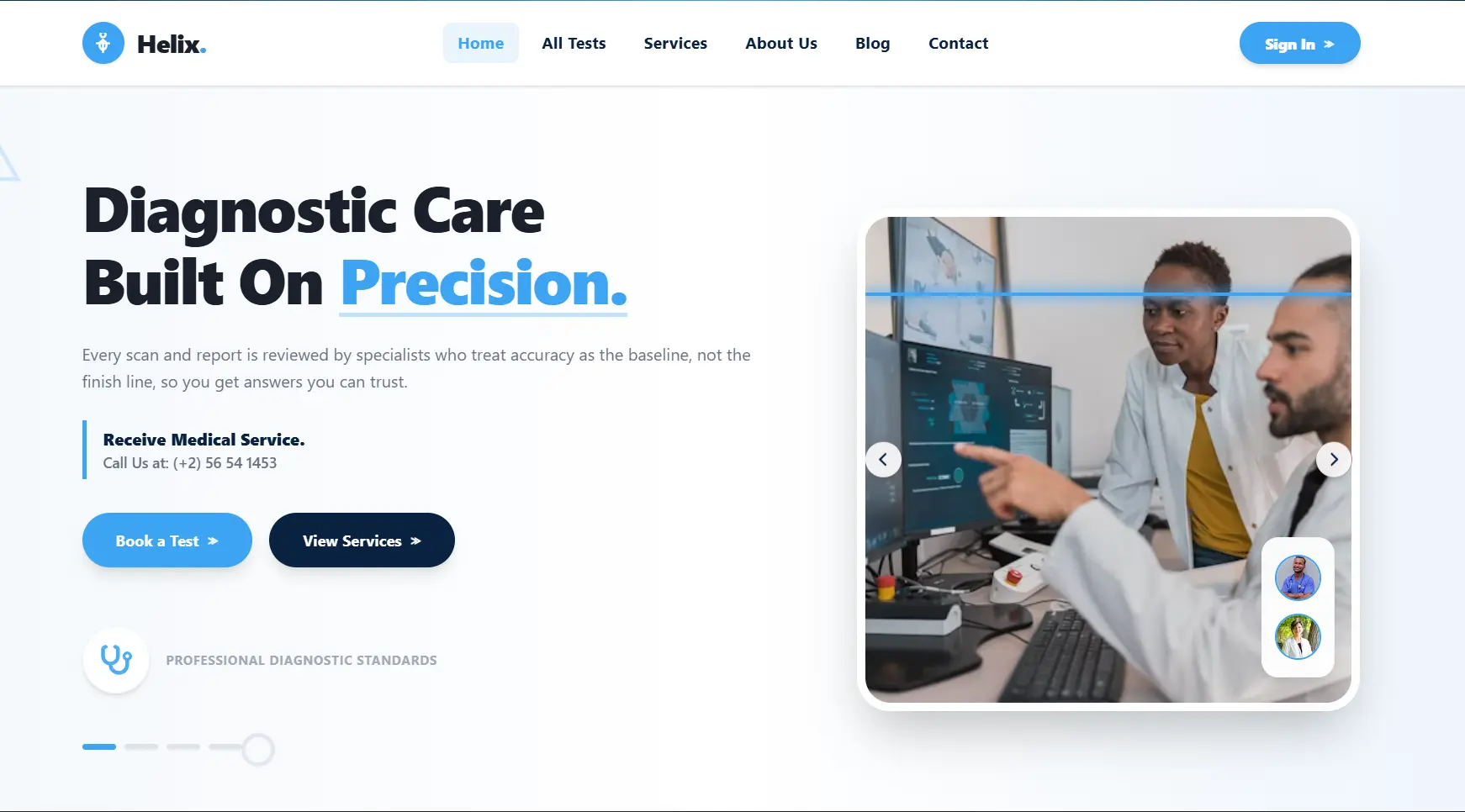
The Project.
Helix Diagnostic Center is a healthcare management platform with a REST API responsible for handling application data and communicating with MongoDB Atlas. During local development, the backend crashed during startup because the project mixed CommonJS and ES Module syntax while the MongoDB connection setup also contained syntax and initialization issues.
Full-Stack Software Engineer
2026
What Broke?
The backend server crashed on startup when executed using nodemon during local development.
Node.js threw 'SyntaxError: Cannot use import statement outside a module' and driver connection setup failed due to duplicate syntax definitions.
The REST API service could not start or maintain a persistent connection to the MongoDB Atlas cluster.
Why It Mattered.
The Helix Diagnostic backend used Node.js, Express-style REST API architecture, and MongoDB Atlas for persistent application data.
Restore reliable backend startup and establish a clean asynchronous MongoDB connection.
- Keep the backend on a single module system
- Avoid duplicate database-driver initialization
- Use environment-based database configuration
- Handle asynchronous connection failures explicitly
How I Debugged It.
- 01
Read the complete Node.js startup stack trace.
- 02
Separated module-system errors from database initialization errors.
- 03
Inspected package.json module configuration.
- 04
Inspected the application entry file.
- 05
Located mixed import and require syntax.
- 06
Checked MongoClient declarations for duplication.
- 07
Inspected MongoDB URI interpolation.
- 08
Reviewed the asynchronous connection lifecycle.
- Node.js was configured for CommonJS while the source code used ES Module imports.
- The MongoDB package was initialized through inconsistent module syntax.
- Duplicate MongoClient declarations existed in the entry file.
- The connection URI required template literal interpolation.
- The database initialization needed explicit asynchronous error handling.
How I Think.
First, I inspected the node terminal stack trace to isolate the crash trigger.
I identified two distinct errors: a module syntax error from Node.js and duplicate identifier declarations in index.js.
I audited package.json and discovered the module type was configured as CommonJS instead of ES Module.
I examined index.js and found mixed usage of CommonJS require alongside ES Module import syntax.
I noticed the MongoDB URI string interpolation was enclosed in double quotes instead of template literal backticks.
Instead of mixing formats or disabling strict mode, I standardized the entire codebase to ES Modules.
I removed redundant MongoClient declarations and cleaned up the database initialization flow.
I structured the asynchronous database connection using try/catch.
I restarted the application through nodemon and verified the MongoDB handshake.
Before the Fix.
package.json was configured with 'type': 'commonjs'.
index.js contained both import statements and require() calls for the mongodb package.
Module system mismatch combined with syntax errors in URI string template evaluation and redundant driver initialization.
The Fix.
Standardized the server codebase on native ES Modules ('type': 'module') and cleaned up the MongoDB driver initialization.
- Updated package.json to declare 'type': 'module' for top-level ES Module support.
- Removed redundant require calls.
- Removed duplicate MongoClient import declarations.
- Standardized imports across the entry file.
- Fixed the MongoDB connection URI string to use backticks for variable interpolation.
- Structured async/await database connection routines with proper try/catch exception handling.
- Added explicit connection logging to distinguish database connectivity from application startup failures.
Engineering Stack.
Backend
- Node.js
- Express
- REST API
- ES Modules
- Async/Await
Database
- MongoDB
- MongoDB Atlas
- MongoClient
Infrastructure
- Nodemon
- Environment variables
- Local development server
Code-Level Fix.
Module Configuration
json"type": "commonjs""type": "module"Consistent ES Module Import
jsimport { MongoClient } from "mongodb";MongoDB URI Template
jsconst uri = `mongodb+srv://${DB_USER}:${DB_PASSWORD}@cluster.mongodb.net/`;Async Database Connection
jstry {
await client.connect();
console.log(
"Successfully established secure handshake connection with MongoDB Database!"
);
} catch (error) {
console.error("MongoDB connection failed:", error);
process.exit(1);
}What Was Difficult.
Mixed Module Systems
Node.js was configured for CommonJS while the application source used ES Module syntax.
I standardized the project on native ES Modules and removed the conflicting require() usage.
Duplicate Database Initialization
The entry file contained redundant MongoDB driver declarations.
I consolidated the MongoClient import and database initialization into a single flow.
Connection String Evaluation
The MongoDB URI required runtime variable interpolation but was not using template literal syntax.
I changed the URI construction to use backticks and environment-based variables.
Startup Error Handling
Database connection failures could prevent the backend from starting reliably.
I wrapped the asynchronous connection process in explicit try/catch handling and added clear connection logs.
The Outcome.
Backend Startup Restored
Nodemon started the API without the previous module syntax crash.
MongoDB Connection Established
The application successfully established the MongoDB Atlas connection.
Cleaner Module Architecture
The backend now follows one consistent ES Module strategy instead of mixing module systems.
Improved Debugging
Explicit startup and database connection logs make future environment or connectivity problems easier to isolate.
Prove the Fix.
$ npm run dev
Nodemon started cleanly and logged 'Successfully established secure handshake connection with MongoDB Database!'.
What I Learned.
Module system configurations in Node.js must remain consistent across project dependencies and source files.
Environment variables inside connection strings require exact template literal syntax to resolve credentials properly.
Duplicate driver initialization can create confusing startup failures and should be removed.
Explicit database handshake logging helps distinguish environment configuration issues from runtime API failures.
Proper error isolation during initial server boot prevents unhandled promise rejections.
When debugging startup failures, I separate syntax, module-resolution, configuration, and database-connectivity problems instead of treating them as one issue.
“The key lesson was maintaining clean module boundaries. I diagnosed a crashing Node.js server caused by mixed module formats, duplicate database-driver initialization, and malformed connection-string interpolation. I migrated the project to ES Modules, cleaned up the MongoDB initialization flow, added explicit asynchronous error handling, and verified a stable database connection.”
Project Screens.